
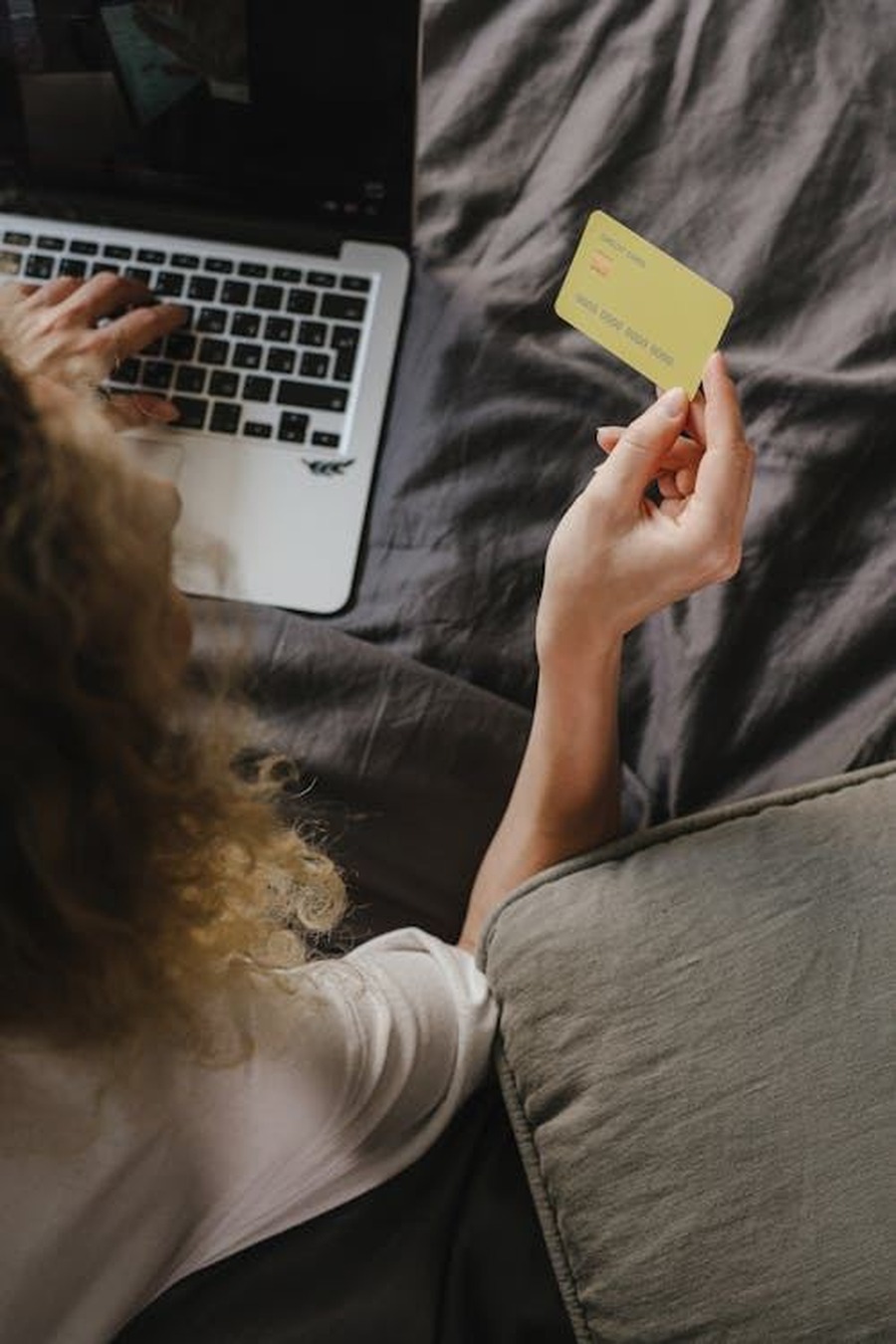
How to add crypto payments to mobile checkout depends on wallet support, QR usability, and a simple confirmation flow. Mobile users are less patient and more likely to abandon if the payment steps are unclear. A well‑designed mobile crypto checkout can lift conversion and reduce support tickets.
This guide explains the most important mobile‑first steps to add crypto payments without hurting the buyer experience.
How to add crypto payments to mobile checkout with wallet deep links
Deep links let users jump directly to their wallet with the payment details pre‑filled. This reduces copy‑paste errors and speeds up the process. Always provide a fallback QR code for wallets that do not support deep links.
Test deep links on both iOS and Android. Small differences in behavior can affect completion rates.
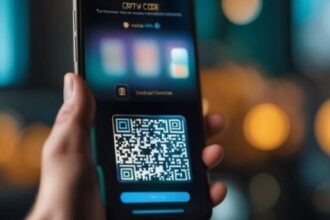
QR code design and readability
Mobile checkout screens are small, so QR codes must be clear and high‑contrast. Avoid cluttered layouts or tiny QR codes that are difficult to scan.
Place the QR code above the fold and include a copy button for the address and amount. This gives users a fast backup path.
Timer and status messaging on mobile
Crypto payments often use a time window. On mobile, the timer should be visible but not stressful. A simple line like “Amount locked for 10 minutes” works well.
After payment is sent, show a confirmation state with clear status updates. Mobile users want instant feedback that the payment was received.
Reduce friction with pre‑payment guidance
First‑time crypto buyers can hesitate. Add a short explanation below the payment method that explains the steps in one or two lines. Keep it simple: select wallet, send payment, confirm.
Guidance reduces drop‑off, especially for users who are paying with crypto for the first time.
Mobile analytics and conversion tracking
Track conversion rates separately for mobile and desktop. If mobile conversion lags, review the payment steps and find the friction points.
Small UI changes can significantly improve mobile completion, so iterate based on real data.
BlockBee for mobile‑friendly crypto checkout
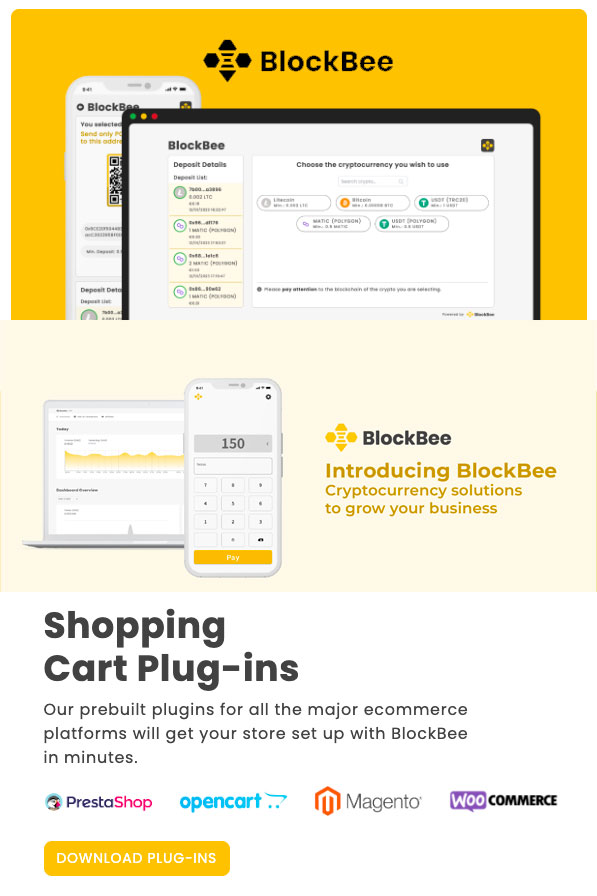
BlockBee provides a mobile‑optimized checkout with deep links, clean QR presentation, and clear confirmation messaging. It helps merchants deliver a fast mobile experience without complex development.
If you want a mobile crypto checkout that converts, BlockBee offers a production‑ready solution.
Related guides: Hosted crypto checkout page: launch payments without changing your site | Crypto payments API integration: build a custom checkout | Bubble crypto payments: add a no-code crypto checkout
FAQ
How to add crypto payments to mobile checkout?
Use wallet deep links, clear QR codes, and a short confirmation flow optimized for small screens.
Why are deep links important on mobile?
Deep links reduce steps by opening the wallet with payment details already filled.
How large should the QR code be?
Large enough to scan easily without zooming, and placed above the fold.
What should the payment timer say?
Keep it short and clear, such as \u201cAmount locked for 10 minutes.\u201d
How do I reduce mobile drop\u2011off?
Remove extra steps, keep instructions short, and show clear confirmation states.
Do mobile users prefer stablecoins?
Often yes, because the value is predictable and easy to understand.
How do I track mobile crypto conversion?
Measure completion rates by device type and compare against desktop performance.
Should I offer copy buttons on mobile?
Yes. Copy buttons reduce errors when users prefer manual wallet entry.
What about accessibility on mobile?
Use high\u2011contrast text and large tappable buttons to improve usability.
Can mobile crypto payments boost conversion?
Yes, when the flow is clear and fast, mobile conversion often improves.
Editorial Q&A
Q: Why are deep links important for how to add crypto payments to mobile checkout?
A: They reduce manual entry and speed up payments.
Q: For how to add crypto payments to mobile checkout, how do we optimize the mobile flow?
A: Use deep links, large QR codes, and minimal steps.
Q: What is the best QR placement for how to add crypto payments to mobile checkout?
A: Place it above the fold with strong contrast for easy scanning.
Q: What should the timer say in how to add crypto payments to mobile checkout?
A: Use a short, reassuring line like “Amount locked for 10 minutes.”
Q: Should how to add crypto payments to mobile checkout include copy buttons on mobile?
A: Yes. Copy buttons reduce errors when users enter details manually.








Join the discussion
Share a real experience or ask a focused question. Short replies are perfect.